
DentalLAB
Studio
Analyze IOS and CT/CBCT data, review AI-generated results, and prepare cases faster with a workflow designed for real clinical and operational use.
Everything you need for dental imaging analysis and case preparation.
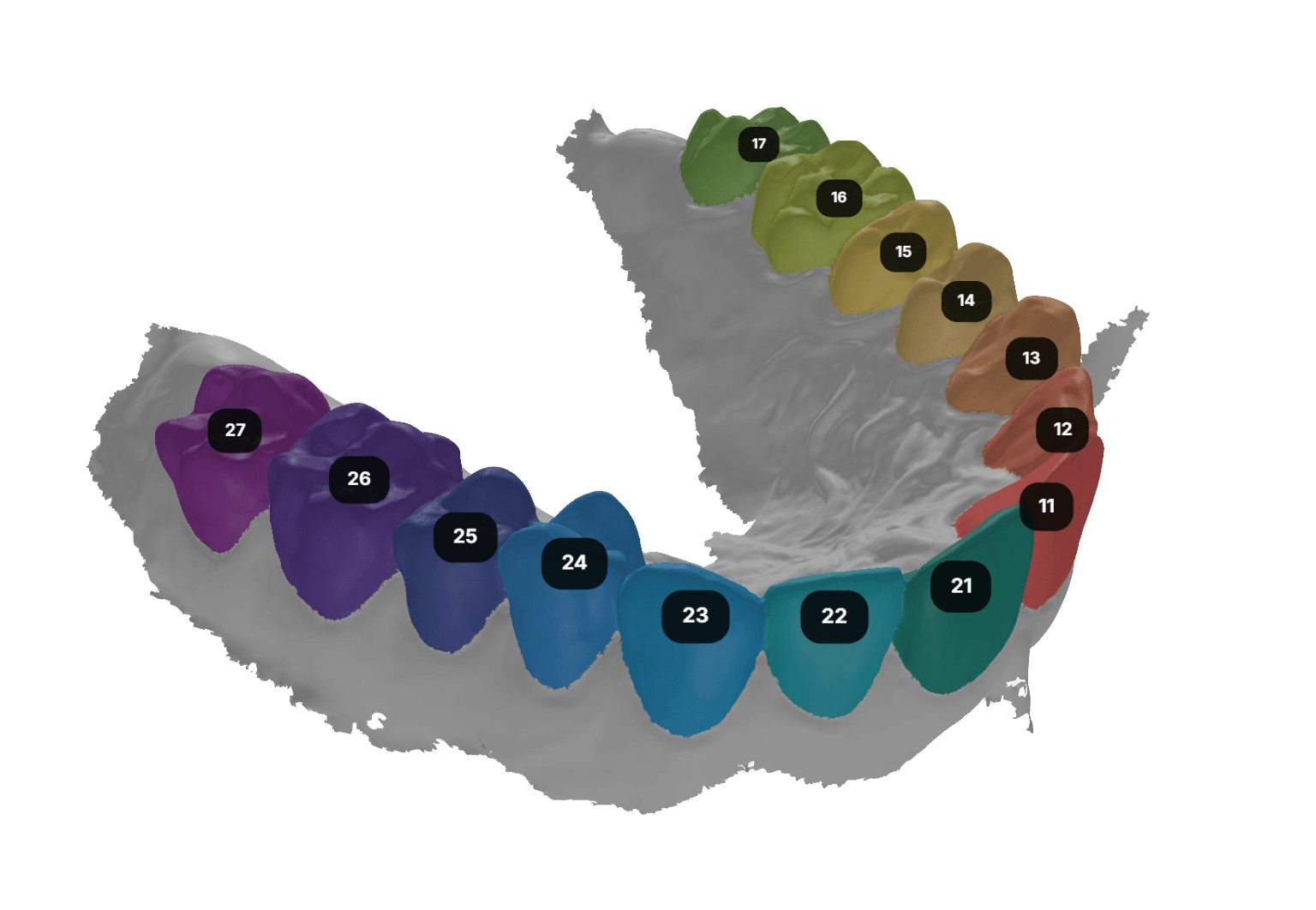
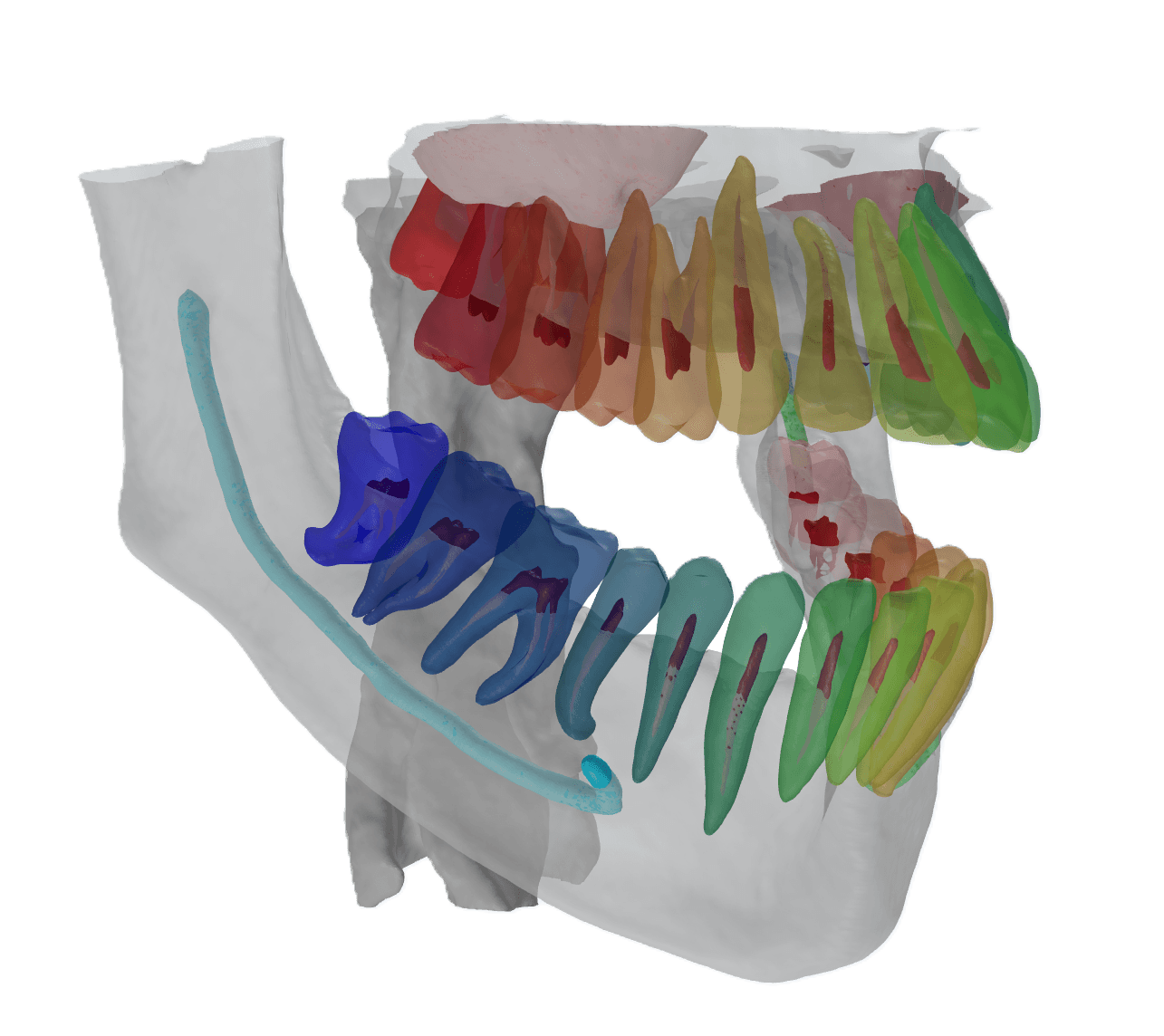
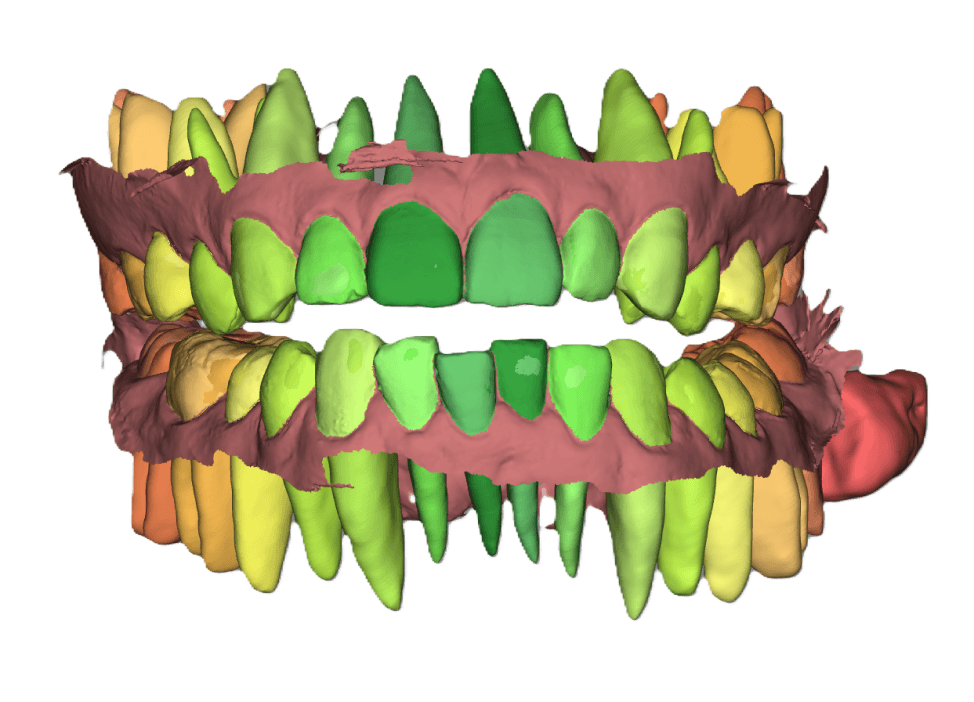
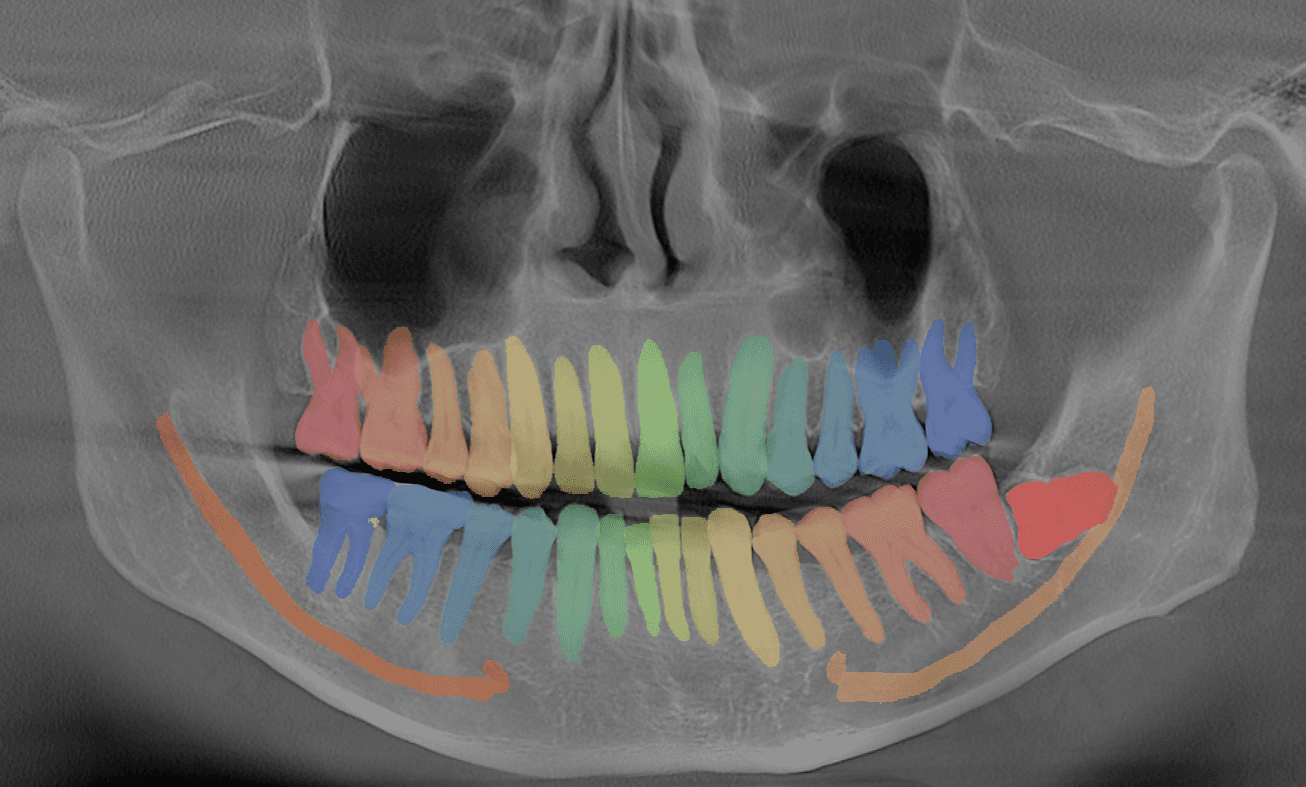
Where can I use them?
Hover over a technique to see which clinical workflows it directly enables.
Simple Workflow
Upload case data — Import IOS and/or CBCT data into the workspace
Run AI processing — Apply segmentation, alignment, and preprocessing automatically
Review and refine — Validate outputs and adjust when needed
Export or integrate — Send results to planning workflows or connected systems
Who Is It For?
Dental Practices
Reduce manual image preparation and improve case communication.
DSOs
Standardize imaging workflows and output quality across multiple sites.
Orthodontists
Prepare digital cases faster for aligner, appliance, and planning workflows.
Solution Vendors
Use Studio capabilities as a base for clinician-facing products and integrated workflows.
Get Started with DentalLAB Studio
Talk to our team about how Studio can fit your workflow.